
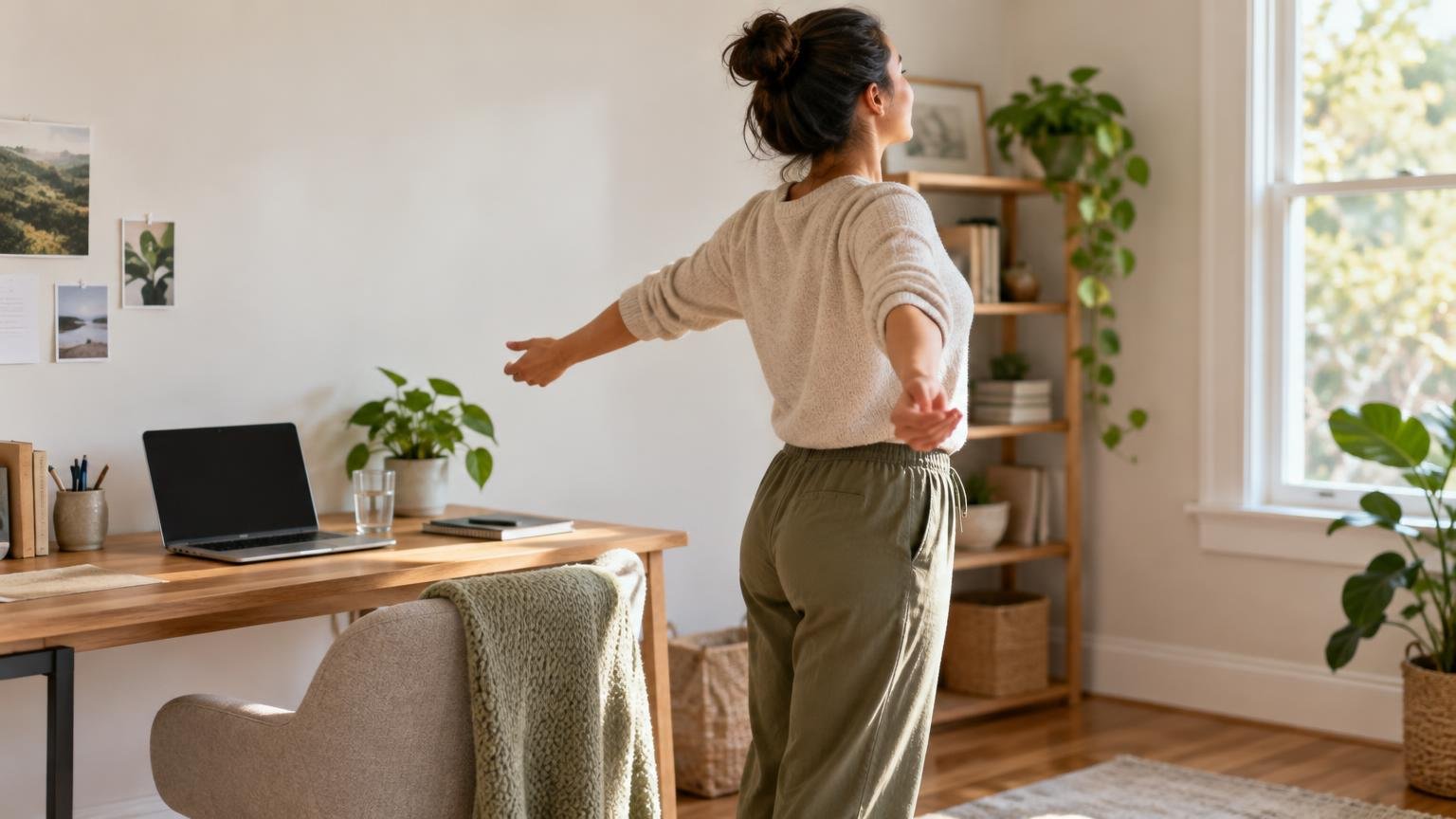
Desk Break Routine: Simple Ways to Move During a Long Computer Day
A useful desk break does not need to become a miniature workout. Every 30 to 60 minutes, change position and move for one to three minutes: walk briefly, stand if comfortable, move your shoulders, or work your ankles and calves. The goal is to interrupt long, unbroken stretches in one position—not to perform every movement perfectly.
Short breaks can help you accumulate more everyday activity, but they do not replace regular exercise. The CDC’s adult physical activity guidance advises adults to move more, sit less, work toward at least 150 minutes of moderate-intensity activity per week, and include muscle-strengthening activity on at least two days. Think of desk breaks as one small layer in that larger picture.
TL;DR: A simple desk movement break routine
- Set a reminder for every 30 to 60 minutes.
- Change position, even if you cannot leave the desk.
- Walk or march for 30 to 90 seconds.
- Add one shoulder or upper-back movement.
- Add one hip, ankle, or calf movement.
- Return to work in a position that feels supported rather than rigid.
Start with an interval you can actually follow. Workplace prompt studies have used breaks lasting from one to 10 minutes, scheduled every 30 minutes to hourly. A 2025 review found that computer prompts produced modest average reductions in sitting and increases in daily steps, although the certainty of the evidence was low to moderate. Consistency matters more than choosing a supposedly perfect timer setting.
A three-minute routine you can repeat
This sample sequence covers several areas without requiring exercise clothes or much space. Use a stable chair or desk for support when needed, move within a comfortable range, and skip any action that causes pain, dizziness, or unusual symptoms.
| Time | Movement | Seated or lower-impact option |
|---|---|---|
| First minute | Walk to the door, refill water, or march gently in place. | Alternate lifting each heel or foot while sitting. |
| Second minute | Roll the shoulders slowly, then reach the arms forward and relax them. | Keep the arms lower or simply release the hands and change backrest position. |
| Third minute | Shift weight between your feet, step one foot back, or perform supported calf raises. | Press the feet into the floor, alternate heel raises, or straighten one knee at a time. |
You do not have to complete the full sequence at every break. A trip to the kitchen may cover the walking portion. A phone call taken while standing may provide the position change. On a demanding day, ten ankle movements and a shoulder reset are still more movement than ignoring the reminder.
Choose movements that match what feels stuck
For shoulders and upper back
Let your arms hang, gently roll the shoulders backward and forward, or reach both hands toward the wall in front of you before relaxing. You can also place your hands on your thighs, lengthen through the top of your head, and then return to your normal working position. Avoid forcing the shoulders down or holding a military-style posture.
For hips and legs
Stand and shift your weight from side to side, take several easy steps, or place one foot slightly behind you and return it. If standing is not comfortable or available, alternate seated knee lifts or slide one foot forward and back. These are posture changes, not flexibility tests.
For ankles and calves
Raise and lower your heels while standing with support, or perform the same motion while seated. Gentle ankle circles are another compact option. These movements work well when a meeting or task makes a walking break impractical.
For a quick walking break
Walk to another room, use a farther restroom, or take one loop through the hallway. Light walking breaks have produced better short-term post-meal glucose responses than uninterrupted sitting in controlled studies, and light walking performed better than standing in direct comparisons. Those acute findings do not prove that one particular break routine prevents long-term disease. If you want to build beyond workday breaks, use them as a bridge to a more consistent walking routine.
Make reminders easier to follow
A reminder only helps when it leads to a realistic action. Attach movement to events already in the day rather than relying on motivation alone.
- Stand or change position after sending a scheduled report.
- Walk for a minute when a meeting ends early.
- Keep water far enough away that refilling it requires a few steps.
- Put a small note near the monitor with three choices: walk, shoulders, or calves.
- Use a timer that is noticeable but not disruptive.
- During long calls, switch between sitting, standing, and walking when the situation allows.
If you repeatedly dismiss the reminder, make the break smaller. Try 30 seconds instead of five minutes, or move after every second reminder. This is the same practical principle behind making a preferred habit easier and an unwanted default less automatic. Once the cue reliably produces some movement, you can lengthen selected breaks.
Adjust the workstation, not just your body
Movement breaks cannot fully compensate for equipment that repeatedly pushes you into an awkward position. The OSHA computer workstation guidance notes that there is no single correct setup for everyone. Its general targets include a monitor directly ahead, relaxed shoulders, elbows near the body, wrists aligned with the forearms, back support, and feet supported by the floor or a footrest.
Bring frequently used items closer, re-center the monitor and keyboard, and make small chair or backrest adjustments during the day. Laptop users may benefit from separate input devices when feasible, especially when the laptop is used for long periods. A stack of books can raise a laptop screen, but that arrangement is most workable when paired with a separate keyboard and mouse.
Most importantly, do not turn “good posture” into another static pose. OSHA recommends changing position regularly, stretching periodically, and alternating selected tasks between sitting and standing where practical. The next position is often more useful than chasing one perfect position all day.
Adapt the routine to your body and day
Standing is not mandatory. People who use wheelchairs, have limited balance, manage fatigue, experience pain, or work in restricted spaces can use seated marching, heel raises, arm movements, breathing pauses, or small backrest adjustments. The World Health Organization’s movement guidance includes people with disabilities and chronic conditions, supporting an adaptable approach rather than one universal routine.
Individual comfort should set the range and pace. If you have an injury, a medical condition that affects safe movement, or symptoms that are new or worsening, ask an appropriate health professional for individualized advice.
Frequently asked questions
How often should I take a movement break?
Every 30 to 60 minutes is a practical range to test. NIOSH notes that short breaks every hour can reduce discomfort for computer workers, while research has also examined more frequent interruptions. Choose a schedule that fits your tasks and adjust it based on whether you can follow it consistently.
How long does a desk break need to be?
Even one to three minutes can be enough to change position and take a few steps. Use longer breaks when your schedule permits, but do not abandon the habit because five or 10 minutes is unavailable.
Is standing at a desk enough?
Standing is one option, not the whole solution. Alternate among supported sitting, standing, and light walking if those positions are comfortable. In controlled studies, both standing and light-walking breaks improved acute post-meal glucose compared with uninterrupted sitting, but light walking generally performed better.
What if I cannot leave my workstation?
Use seated heel raises, ankle circles, gentle knee lifts, shoulder rolls, hand movements, or small chair adjustments. A movement break can be a change in position rather than a trip across the office.
Start with one dependable cue
Pick one reminder and one default response for tomorrow—for example, stand or perform seated heel raises whenever an hourly timer sounds. Once that happens reliably, add a short walk to one or two breaks. Small, repeatable interruptions are more useful than an elaborate routine that disappears after a busy morning, and they can become part of a broader effort to make everyday movement count.
References
- Adult Activity: An Overview | Physical Activity Basics | CDC
- The effect of computer prompt in breaks of sedentary behaviour among office workers: a systematic review and meta-analysis – PubMed
- The Acute Effects of Interrupting Prolonged Sitting Time in Adults with Standing and Light-Intensity Walking on Biomarkers of Cardiometabolic Health in Adults: A Systematic Review and Meta-analysis
- eTools : Computer Workstations | Occupational Safety and Health Administration
- eTools : Computer Workstations – Checklists – Evaluation | Occupational Safety and Health Administration
- eTools : Computer Workstations – Positions | Occupational Safety and Health Administration
- WHO guidelines on physical activity and sedentary behaviour
- Office Environments and Your Safety | Office | CDC
- Optimal Frequency of Interrupting Prolonged Sitting for Cardiometabolic Health: A Systematic Review and Meta-Analysis of Randomized Crossover Trials – PubMed